Lightning strikes.
ThunderCam catches it.
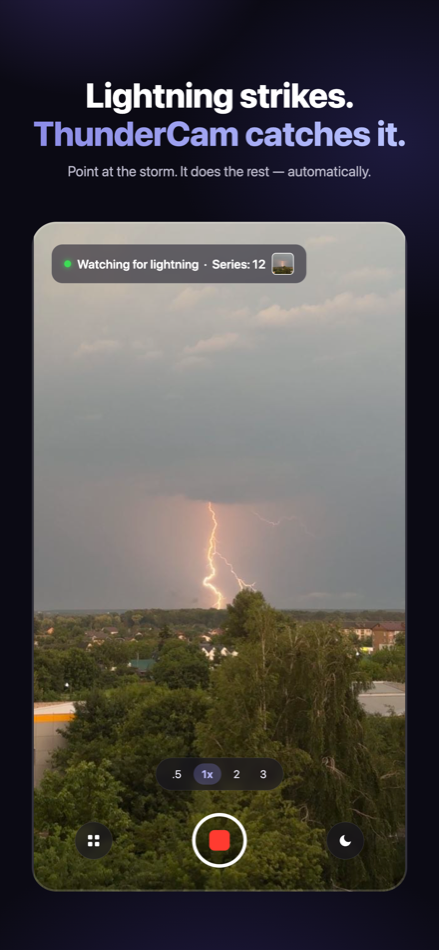
Point your iPhone at the storm — ThunderCam watches the sky and saves a photo series the instant lightning flashes. No timing, no luck, no account. Fully offline.
Free to try — full detection quality, no sign-up. One-time purchase unlocks Premium forever.
How it works
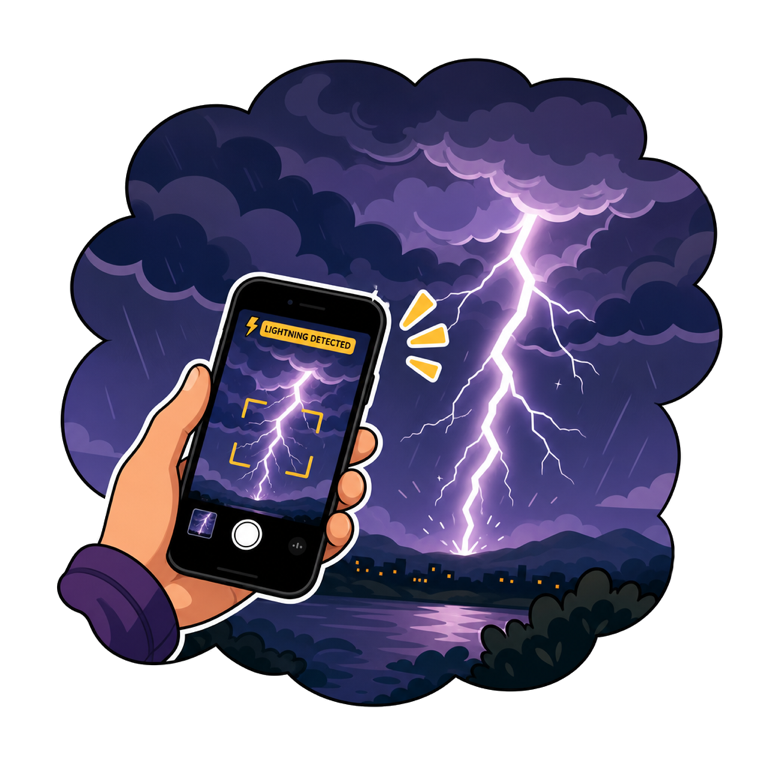
1Point at the storm
Mount the phone or hold it steady facing the sky. Press start — that's the whole setup.
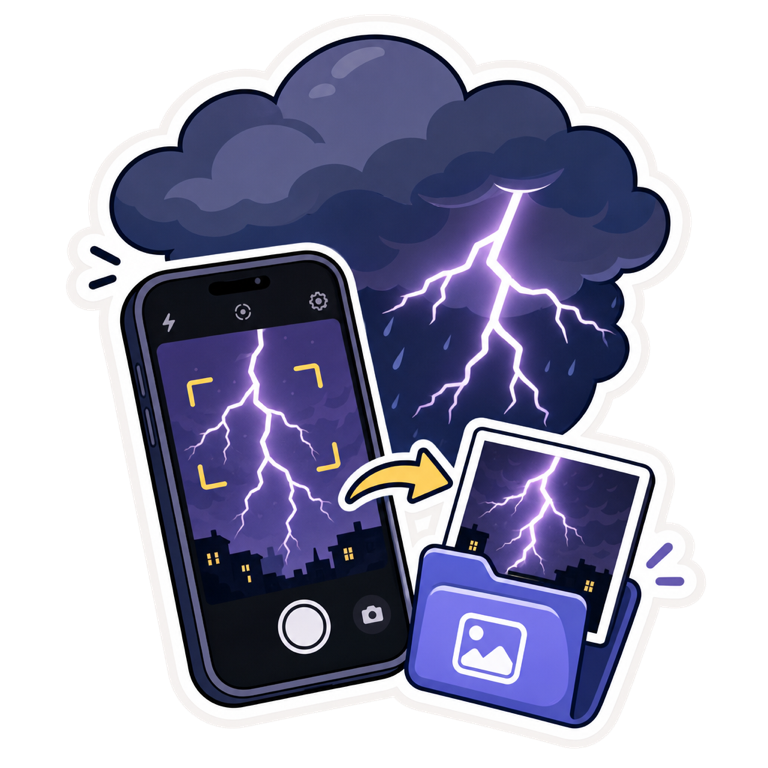
2It catches the flash
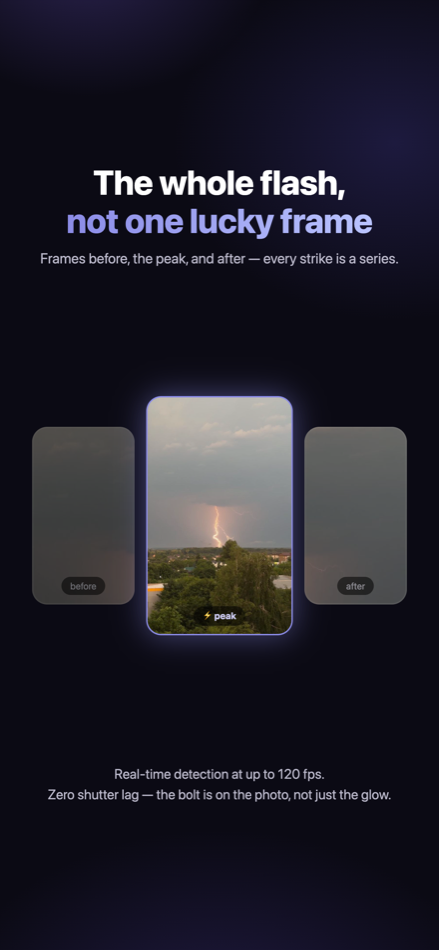
The camera analyses every frame in real time and saves a photo series around each strike — automatically.
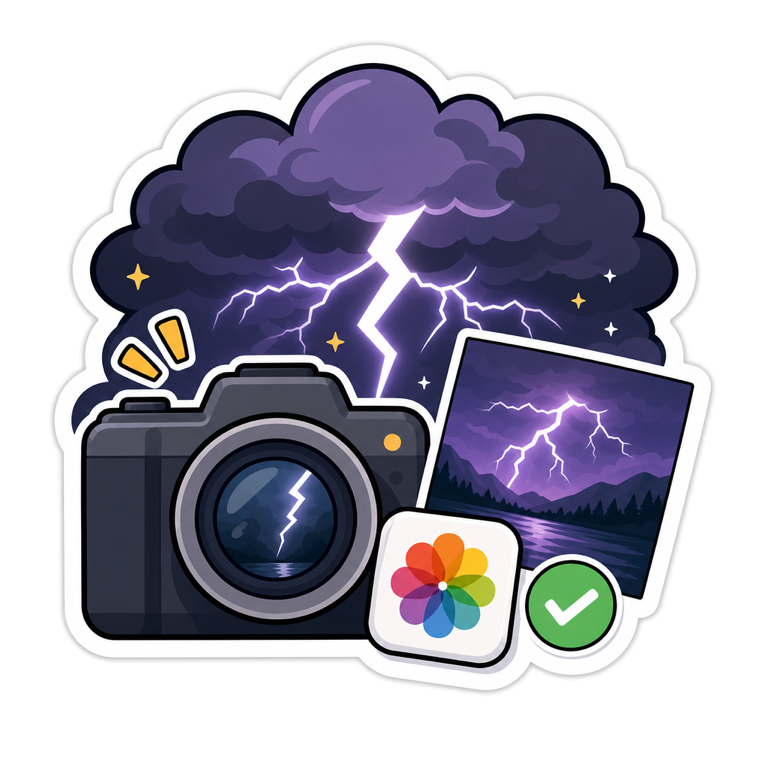
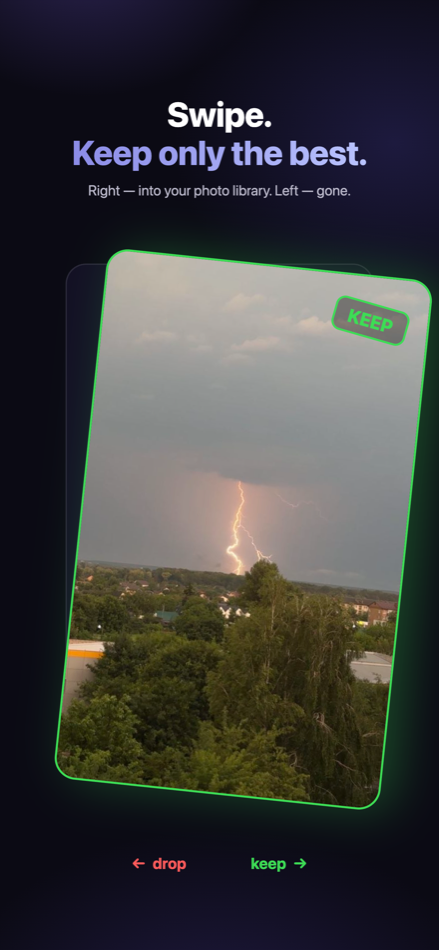
3Keep the best
Swipe through the catches: right to keep, left to drop. Keepers land in your photo library.
Built for storm nights
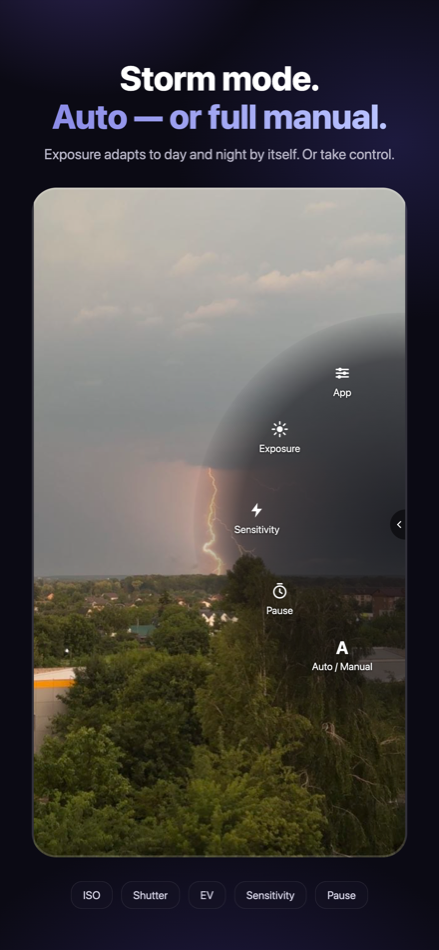
Storm mode
Exposure adapts to day and night by itself — or take full manual control: ISO, shutter, EV, sensitivity, pause.
Motion filter
While you're adjusting or carrying the phone, nothing is saved — no junk shots from a shaking camera.
Catch alert
A sound and a tap the instant a strike is saved — watch the sky, not the screen. Plus a screen-dim mode for long nights.
A quick look