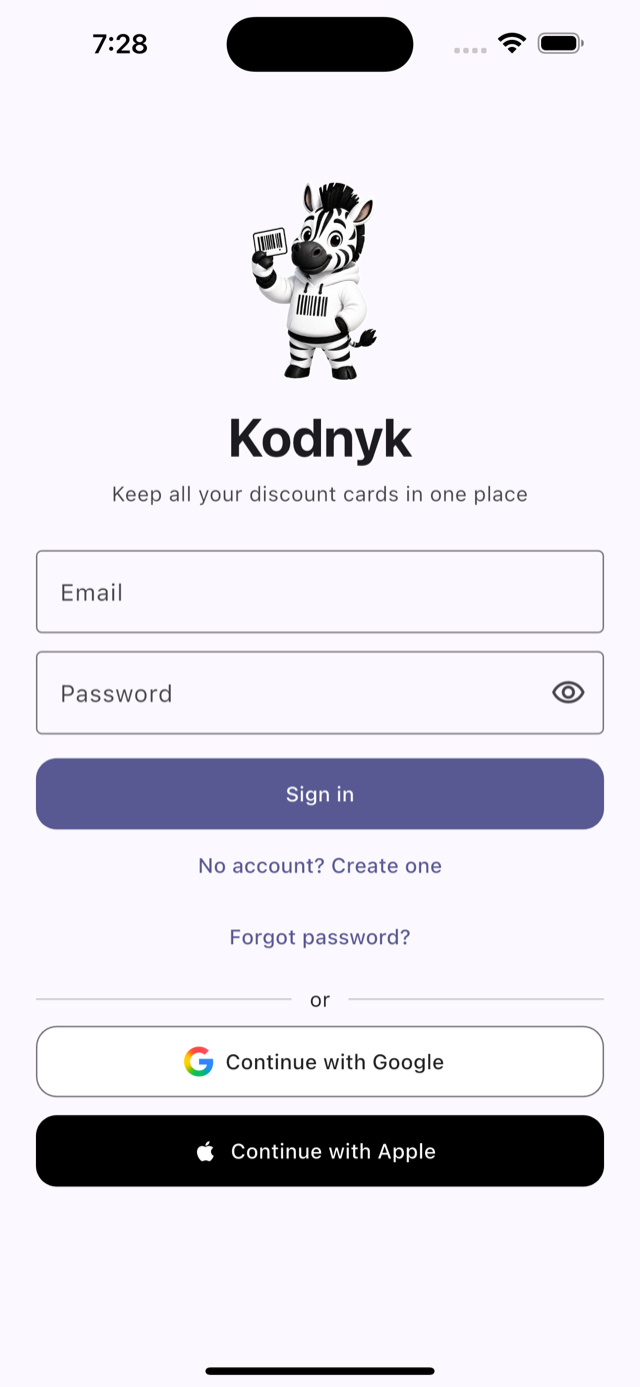
All your loyalty cards.
One zebra.
Scan a plastic card once — show a crisp barcode at every checkout. Works offline, syncs between devices, and never forgets a discount.
How it works
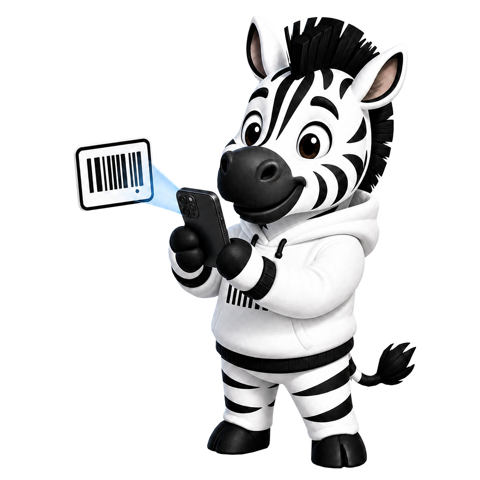
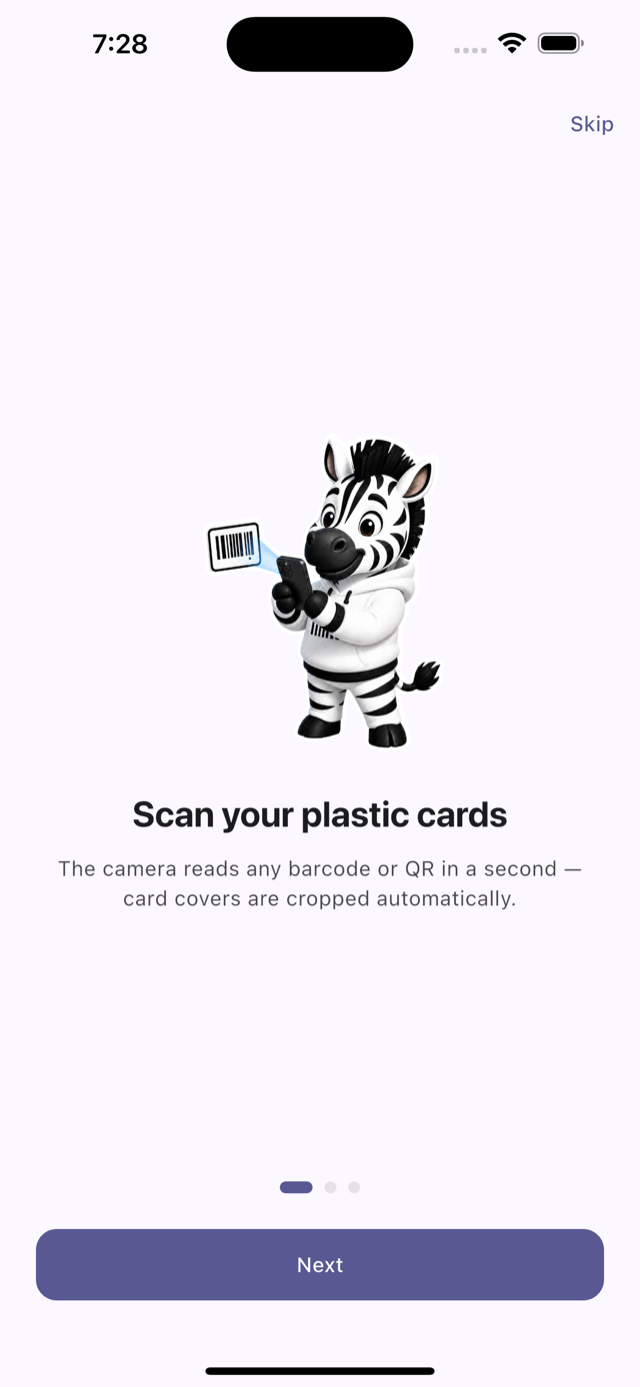
1Scan your plastic cards
The camera reads any barcode or QR in a second — card covers are cropped automatically.
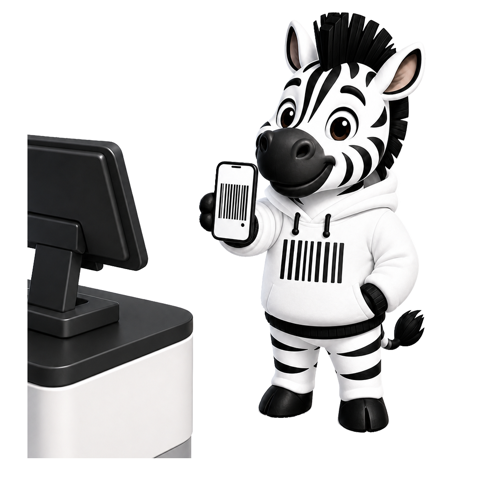
2Show at checkout
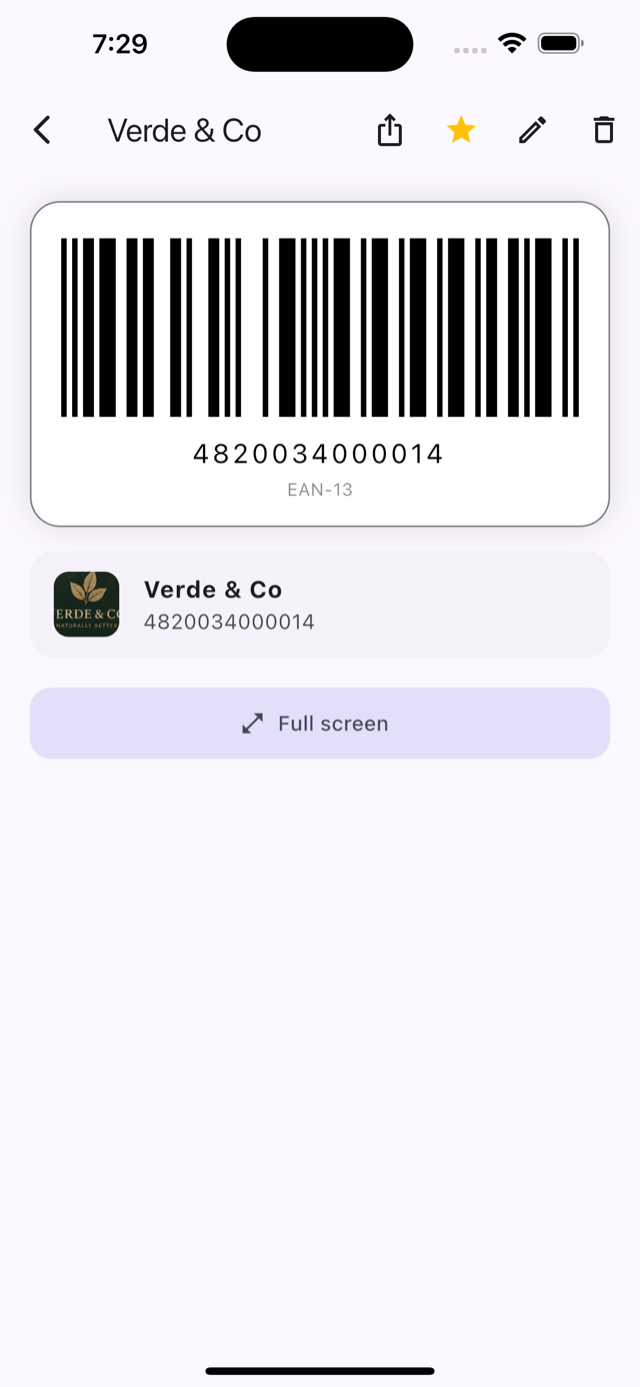
A bright, scanner-ready code on screen. Works without internet.
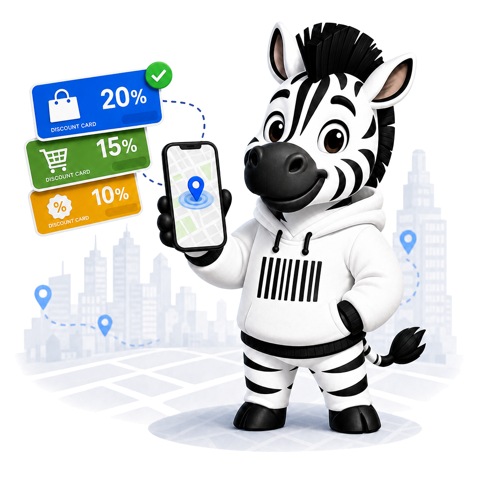
3The right card, right there
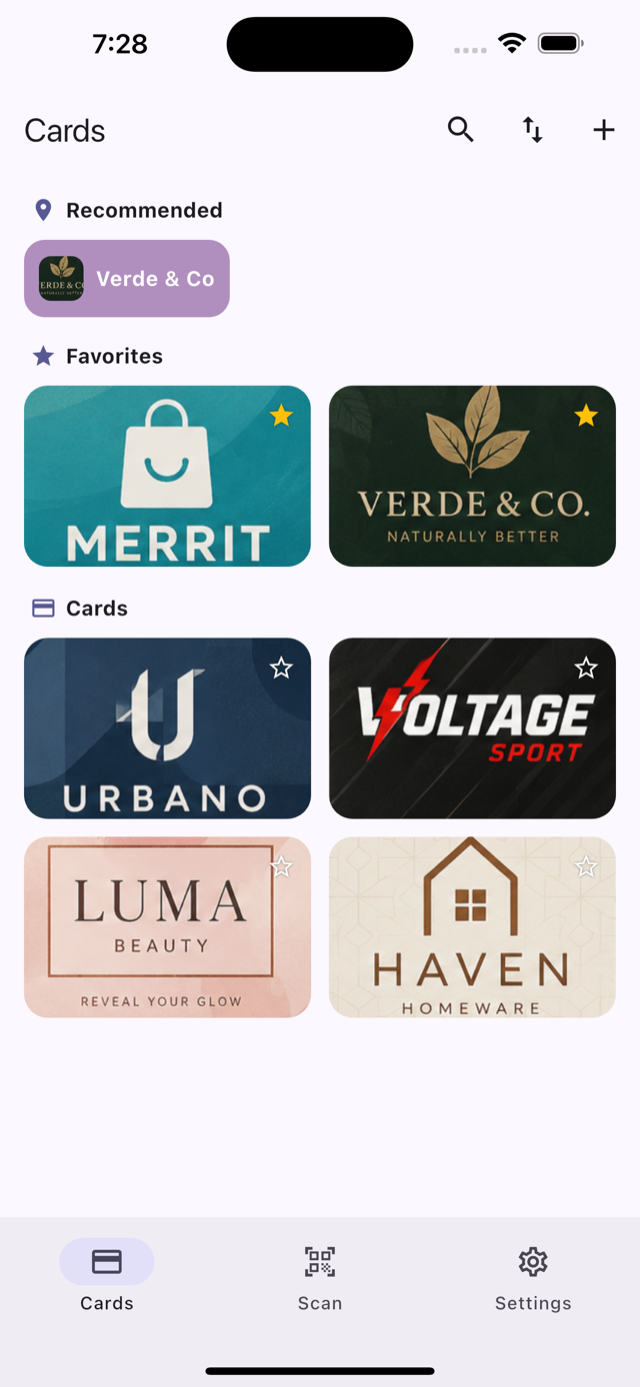
Kodnyk recommends the cards you use near your current location — in the app and on the widget.
Scan anything
Barcode or QR — from the camera, a photo, or typed by hand. The card cover is auto-cropped like a document.
Works offline
Cards live on your device and render on-screen with no network. The queue at the checkout won't wait.
Smart nearby
Kodnyk remembers where you use each card and recommends the right one when you're back in the store.
Yours only
Synced securely, protected by per-user rules. Export everything as JSON or erase your account in one tap.
Home-screen widget
Your cards right on the iPhone home screen — nearby ones first, favourites next. Flip through and scan without opening the app.
Favourites & your order
Star the cards you use most and drag the grid into your own order — just like home-screen icons.
A quick look